Why AI Enthusiasts Are Causing an Apple Mac Shortage
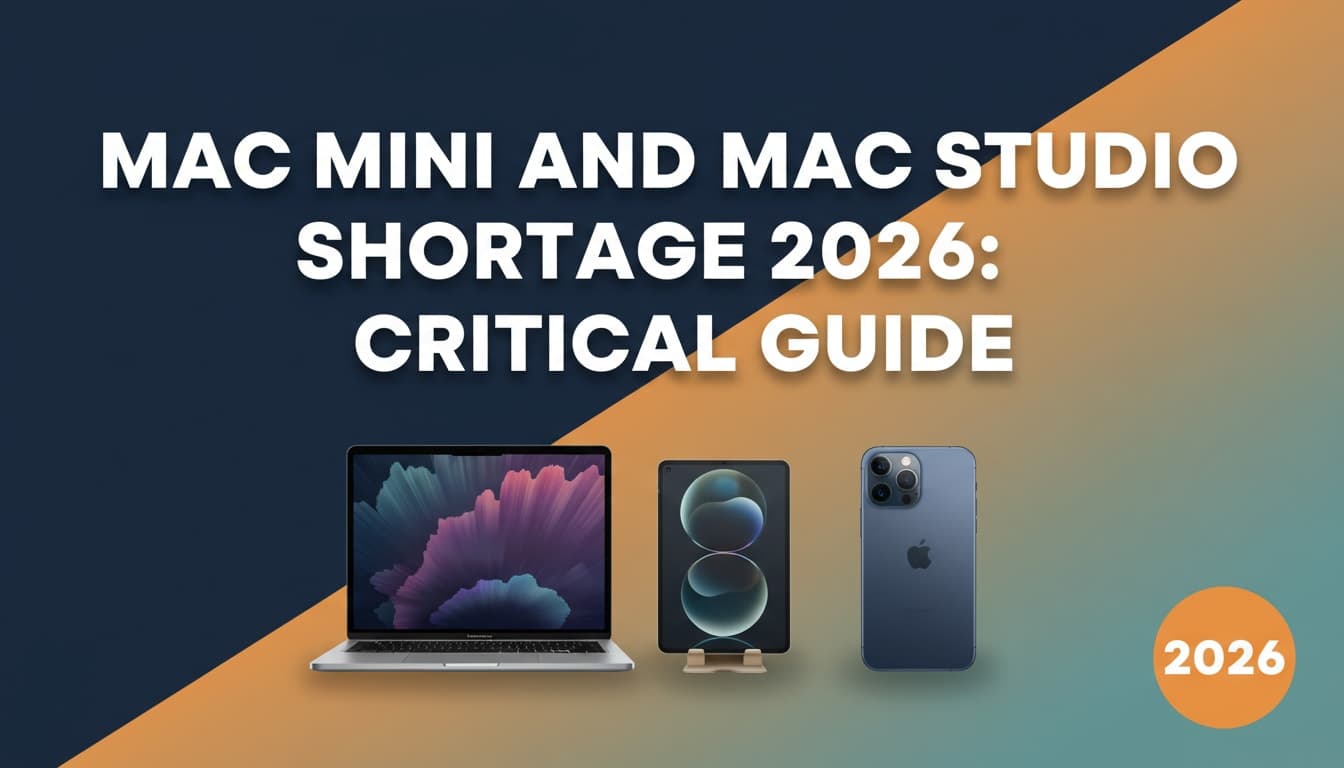
OpenClaw's viral popularity is creating Apple Mac shortages. High-memory Mac minis and MacBook Pros now have 2-6 week wait times as AI enthusiasts rush to run local agents.

Here's a story you probably didn't see coming: AI enthusiasts are buying so many high-memory Macs that Apple is running low on inventory. Mac minis and MacBook Pros with 64GB+ of unified memory now have delivery times ranging from 2 to 6 weeks. For more, see why the MacBook Air M5 is ideal for running OpenClaw. For more, see the real cost of running OpenClaw.
The culprit? OpenClaw—an open-source AI agent that runs locally on your machine. And it's creating a buying frenzy that Apple didn't anticipate.
What's Happening?
According to Tom's Hardware, OpenClaw's viral popularity has triggered an "ordering frenzy" for high-end Macs. Specifically:
- Mac mini with M4 Pro and 64GB+ RAM → 2-3 week wait times
- MacBook Pro with M4 Max and 64GB+ RAM → 3-6 week wait times
- Standard configurations (16GB-32GB) → Still available, no delays
This isn't a general supply chain issue. It's specifically high-memory models that are sold out. And the reason is clear: people want to run AI agents locally.
Why OpenClaw Requires So Much RAM
If you're not familiar with OpenClaw, here's the quick version: it's an open-source personal AI assistant that runs entirely on your machine (no cloud required). It integrates with 50+ services, remembers context across conversations, and can autonomously execute tasks.
But running a local AI agent isn't trivial. You're essentially running a large language model (LLM) on your own hardware, which requires:
- High RAM to load model weights into memory
- Fast unified memory (Apple's architecture shines here)
- Powerful CPU/GPU to process queries quickly
For most OpenClaw users, 64GB is the sweet spot. Some power users are even maxing out at 128GB or 192GB (available on the Mac Studio). For more, see what OpenClaw is and why it needs so much RAM.
Why Macs Are Perfect for Local AI
Apple Silicon changed the game for AI workloads. Here's why:
1. Unified Memory Architecture
On Intel Macs (and most PCs), you have separate RAM for the CPU and VRAM for the GPU. Data has to be copied back and forth, which creates bottlenecks.
On Apple Silicon, CPU, GPU, and Neural Engine all share the same memory pool. This makes AI inference much faster because the model doesn't need to be shuttled between different memory spaces.
2. Efficient Performance per Watt
Apple's M4 Pro and M4 Max chips are incredibly power-efficient. You can run heavy AI workloads without your laptop sounding like a jet engine—something Windows laptops with discrete GPUs struggle with.
3. macOS AI Optimization
Apple has been investing heavily in on-device AI frameworks like Core ML and MLX. While OpenClaw doesn't use these directly (it plugs into models like Claude, GPT, or DeepSeek), the overall macOS environment is optimized for AI tasks.
The OpenClaw Effect
OpenClaw launched in late January 2026 and exploded to 145,000+ GitHub stars in weeks. That's insane growth for an open-source project.
Why the hype? Because people are tired of:
- Cloud-based AI services that send your data to external servers
- Subscriptions and API costs that add up fast
- Limited control over how their AI assistant works
OpenClaw gives you full ownership. Your data stays local. You choose which LLM to use. You customize every integration.
And for that, people are willing to drop $3,000-$5,000 on a high-spec Mac.
Should You Buy a High-Memory Mac for AI?
If you're serious about running local AI agents, yes—but only if you actually need it.
Who Should Buy High-Memory Macs?
- Developers working on AI applications
- Privacy-conscious users who want local AI
- Power users running multiple AI models simultaneously
- Creative professionals who also use AI tools for video editing, 3D rendering, etc.
Who Shouldn't?
- Casual users who just want to chat with ChatGPT (you don't need local AI for that)
- People on a budget (64GB+ configs are expensive—starting at ~$2,500+)
- Windows users who can't run OpenClaw optimally anyway (it works best on macOS)
Alternatives to OpenClaw
If you're interested in local AI but don't want to deal with OpenClaw's learning curve (or security issues—see our OpenClaw security update), here are alternatives:
- Ollama - Easier to set up, less feature-rich
- LM Studio - Great UI, less automation
- Jan - Privacy-focused, simpler architecture
All of these benefit from high-memory Macs, so the shortage applies here too.
When Will Inventory Normalize?
Apple hasn't issued a statement, but historically, high-demand periods like this last 4-8 weeks before supply catches up.
If you want a high-memory Mac right now, your options are:
- Order and wait (2-6 weeks)
- Check local Apple Stores for in-stock configs (rare but possible)
- Buy a Mac Studio (higher specs, more availability)
If you can wait, prices on refurbished or previous-gen models might drop as new inventory arrives.
The Bigger Picture: Local AI Is Trending
This Mac shortage is a symptom of a bigger trend: people want to run AI locally. Whether it's for privacy, cost savings, or control, the appetite for on-device AI is growing.
Microsoft saw this coming with their Copilot+ PCs (Windows laptops with neural processing units). Google is pushing on-device AI with Gemini Nano. And Apple is doubling down with Apple Intelligence.
OpenClaw just accelerated the timeline. By going viral, it proved there's massive demand for personal AI agents that you control.
The Takeaway
If you're in the market for a Mac and you care about AI, expect delays on high-memory configs. The OpenClaw craze is real, and it's not slowing down—especially now that its creator just joined OpenAI.
But here's the silver lining: this shortage proves that local AI is here to stay. Cloud services will always have their place, but for power users, running AI on your own hardware is the future.
And Apple Silicon is leading the charge.
Want to learn more about AI agents? Check out our deep dive on Agentic AI and why 40% of companies are building them.
Sources: