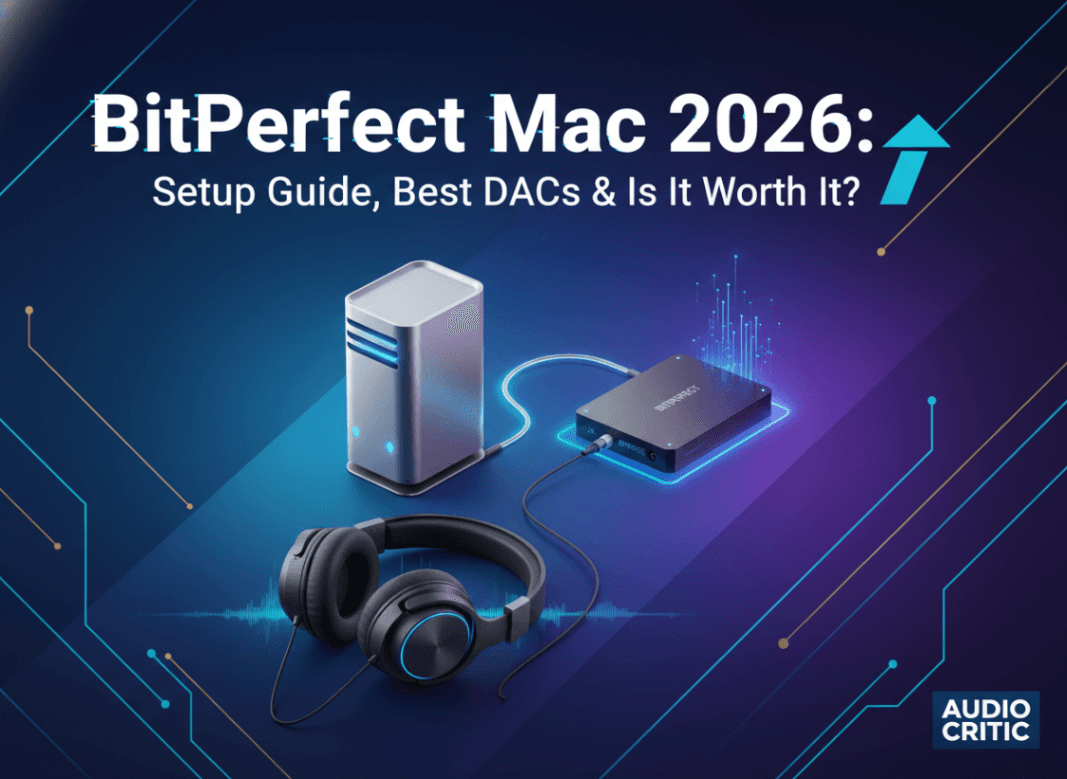
BitPerfect Mac 2026: Setup Guide, Best DACs & Is It Worth It?
BitPerfect is a $9.99 Mac App Store app that delivers bit-perfect audio playback through Apple Music by automatically switching sample rates to match each track. This guide covers setup, best DACs with India pricing (₹ prices), Apple Music Lossless integration, and whether it's worth buying in 2026.
If you own a DAC or a decent pair of headphones, you've probably noticed that music from your Mac doesn't always sound as good as it should. The culprit is macOS's Core Audio system—it silently resamples everything to a single sample rate, mangling the audio before it ever reaches your ears.
BitPerfect is the fix. It's a $9.99 Mac App Store app that intercepts audio from Apple Music and routes it to your output device without any sample rate conversion. The result: audio that matches exactly what's encoded in the file—bit-for-bit. That's where the name comes from.
This guide covers everything: what bit-perfect playback actually means, how BitPerfect works on macOS in 2026, whether it's worth buying, and the best hardware to pair it with (with ₹ prices for India).
What Is Bit-Perfect Audio?
When you play a 44.1kHz FLAC through macOS, the system mixes it with other audio (notifications, UI sounds) and resamples everything to whatever sample rate your output device is set to—usually 48kHz. Even if nothing else is playing, the conversion happens, introducing tiny but audible rounding errors.
Bit-perfect playback means the audio reaches your DAC exactly as it was recorded—no resampling, no volume adjustment, no integer arithmetic rounding. The digital signal is preserved from the file to your ears.
Most people won't notice the difference on laptop speakers or cheap earbuds. Plug in a quality DAC or headphone amp, and the improvement becomes real.
How BitPerfect Works on Mac
BitPerfect sits alongside Apple Music (formerly iTunes). It monitors what Apple Music is about to play, reads the source file's sample rate, and switches macOS's Core Audio output to match before playback starts. This means no resampling—the hardware receives the native sample rate.
Key features:
- Automatic sample rate switching — changes the output device's sample rate to match each track seamlessly
- Integer Mode — bypasses Core Audio's volume control (requires setting volume to max in Apple Music)
- Memory Play — loads the entire track into RAM before playback to eliminate disk read stutters
- DSD support — plays DSD files via DoP (DSD over PCM) on compatible DACs
- Gapless playback — proper gap elimination for live albums
One thing to note: BitPerfect works with Apple Music, not instead of it. Apple Music still handles your library, playlists, and UI. BitPerfect is invisible during normal use—you only notice it in the menu bar icon and the improved sound.
BitPerfect vs. Doing Nothing: Does It Actually Sound Better?
Honest answer: depends entirely on your gear.
You'll probably hear a difference if you have:
- An external DAC (any USB or Thunderbolt audio device)
- High-impedance headphones (Sennheiser HD 600/650, Beyerdynamic 990 Pro, etc.)
- Hi-res audio files (96kHz/24-bit, 192kHz, or DSD)
- A quiet listening environment
You likely won't notice if you have:
- MacBook's built-in speakers
- Bluetooth headphones (Bluetooth has its own compression; bit-perfect source data doesn't help much)
- Apple Music with lossy streaming enabled
If you're listening to Apple Music's lossless tier (which streams at up to 192kHz/24-bit), BitPerfect ensures those extra bits actually get to your DAC. Without it, macOS quietly downgrades everything to 48kHz.
Setup: How to Use BitPerfect on Mac in 2026
- Download BitPerfect from the Mac App Store — $9.99 / ₹899
- Open Apple Music and go to Music → Settings → Playback
- Set Sound Enhancer: Off and disable Sound Check
- Set volume to 100% in Apple Music (BitPerfect's Integer Mode requires full software volume)
- Open BitPerfect — it appears in the menu bar
- In BitPerfect preferences, enable Integer Mode and Memory Play
- Select your output device (your DAC) as the audio output in macOS System Settings
From here, BitPerfect handles sample rate switching automatically. Play a 44.1kHz track and your DAC receives 44.1kHz. Play a 96kHz file and it switches to 96kHz. No manual intervention needed.
Compatibility: Which Macs Work Best?
BitPerfect runs on macOS 13 Ventura or later. It works on all Apple Silicon Macs and Intel Macs. In 2026, the best pairings are:
- MacBook Air M5 (2026) — The fanless design means zero mechanical noise during quiet passages. Ideal audiophile laptop.
- MacBook Pro M5 Pro/Max — Thunderbolt 5 ports can feed bandwidth-hungry high-end DACs at full speed.
- Mac mini M4 — Desktop staple; sits next to your DAC on the desk, no battery to worry about.
- Mac Studio / Mac Pro — Overkill for music playback, but the extra Thunderbolt ports simplify complex audio setups.
Apple Silicon Macs have notably low noise floors from their onboard audio hardware. Even if you're using the headphone jack rather than a USB DAC, the 3.5mm output on newer Macs is higher quality than many people realize.
The Best DACs to Pair With BitPerfect (India ₹ Prices, 2026)
A good DAC is what makes BitPerfect worth buying. Here's what's currently available in India:
Budget (Under ₹5,000)
- Apple USB-C to 3.5mm Adapter — ₹1,299. Surprisingly capable for casual listening. BitPerfect can still perform sample rate switching through it.
- Hidizs S9 Pro — ₹3,500–4,500. Compact USB dongle DAC/amp with balanced 2.5mm output.
Mid-Range (₹10,000–25,000)
- Topping DX3 Pro+ — ₹12,000–14,000. Desktop DAC/amp combo with clean measurements, good for Sennheiser HD6xx series.
- FiiO BTR7 — ₹18,000–20,000. Portable with Bluetooth + USB, supports aptX Lossless.
- iFi ZEN DAC 3 — ₹16,000–18,000. Balanced output, handles high-impedance headphones well.
- Schiit Modi+ — ₹9,500–11,000 (imported). Entry desktop DAC, pairs with Magni amp.
High-End (₹50,000+)
- Chord Mojo 2 — ₹65,000–70,000. Reference portable DAC/amp. FPGA-based, widely regarded as one of the best portable options at any price.
Prices fluctuate on Amazon India and Headphone Zone. The FiiO and Topping options offer the best value for most users.
BitPerfect and Apple Music Lossless: The Full Picture
Apple Music has offered Lossless and Hi-Res Lossless tiers since 2021. Hi-Res Lossless goes up to 192kHz/24-bit—stored as ALAC files. The subscription costs ₹99/month in India (individual plan).
Without BitPerfect, macOS resamples everything. With BitPerfect, those 192kHz tracks hit your DAC at 192kHz (assuming your DAC supports it).
To enable Lossless in Apple Music: Settings → Audio Quality → Lossless Audio → On. Set both streaming and download quality to Hi-Res Lossless.
If you're paying for Apple Music and have a capable DAC, not using BitPerfect means leaving quality on the table. The $9.99 / ₹899 cost is one-time—less than a single month of Apple Music.
For more on getting the most out of Apple Music's audio features, see our guide on how to record from Apple Music.
BitPerfect Alternatives: How Does It Compare?
Audirvana is the main competitor. It's a full music player that doesn't use Apple Music as a front-end. Pricing: ~$74/year or $499 one-time. Supports Tidal, Qobuz, and local files. Better for dedicated listening sessions, but you lose Apple Music integration and iCloud Music Library sync.
Swinsian is a lightweight iTunes alternative with bit-perfect output support. $19.99 one-time. Good middle ground if you want to ditch Apple Music's UI but don't need the full Audirvana feature set.
Vox (free + subscription) is popular but not truly bit-perfect in its default configuration.
For most people already using Apple Music, BitPerfect wins. You don't change your workflow—install it and forget it.
Common BitPerfect Troubleshooting
Sample rate not switching: Go to System Settings → Sound → Output, confirm your DAC is selected. Restart BitPerfect if it shows no device detected.
No sound after enabling Integer Mode: Confirm Apple Music volume is set to 100%. Any value below 100% disables Integer Mode automatically.
DSD tracks playing as noise: Your DAC may not support DoP. Check the DAC specs—look for "DSD over PCM" or "DoP" support. If unsupported, BitPerfect can convert DSD to PCM instead; enable this in preferences.
BitPerfect not launching at startup: Go to System Settings → General → Login Items, add BitPerfect manually.
If you're also interested in the broader Mac ecosystem and how to optimize your setup, check our MacBook Air M5 specs and price guide and our iCloud backup security guide for keeping your music library safe.
Who Should Buy BitPerfect?
Buy it if:
- You use Apple Music (streaming or local library)
- You own or plan to buy a USB/Thunderbolt DAC
- You listen to lossless or hi-res files
- You care about audio quality
Skip it if:
- You only use Bluetooth headphones
- You stream lossy audio exclusively
- You don't own any external audio hardware
At $9.99 / ₹899, the risk is low. The Mac App Store accepts refund requests within 90 days of purchase.
FAQ
Does BitPerfect work with Apple Music streaming, or only local files?
BitPerfect works with both. It switches the sample rate based on the track's native sample rate regardless of whether you're streaming or playing downloaded files. For streaming, Apple Music handles the decoding; BitPerfect ensures the decoded audio reaches your DAC without resampling. Apple Music Lossless streams at up to 192kHz/24-bit in India with a standard ₹99/month subscription.
Why does BitPerfect require Apple Music volume at 100%?
Integer Mode bypasses macOS's software volume control, which uses floating-point math that can introduce tiny rounding errors. With volume at 100%, the digital signal passes through unmodified. You control volume at the DAC or amplifier level instead. If this setup isn't practical, Integer Mode can be disabled—you'll still get automatic sample rate matching, just without the floating-point bypass.
Is BitPerfect compatible with M4 and M5 Macs on macOS Sequoia?
Yes. BitPerfect is actively maintained and supports macOS 13 Ventura through the latest macOS releases. It runs natively on Apple Silicon, including M4 and M5 Pro/Max chips. The developer has maintained compatibility through every major macOS update since the original iTunes era.